
Logitech Video Conferencing Room Solutions
Browse Logitech video conferencing room solutions. Easy-to-use, high-quality conferencing for all room sizes, compatible with many software platforms.
Logitech Video Conferencing Room Kits
Across Conference Rooms, Huddle Spaces, Immersive Video Rooms and Ideation Spaces, Tantech provide the right solution, every time.
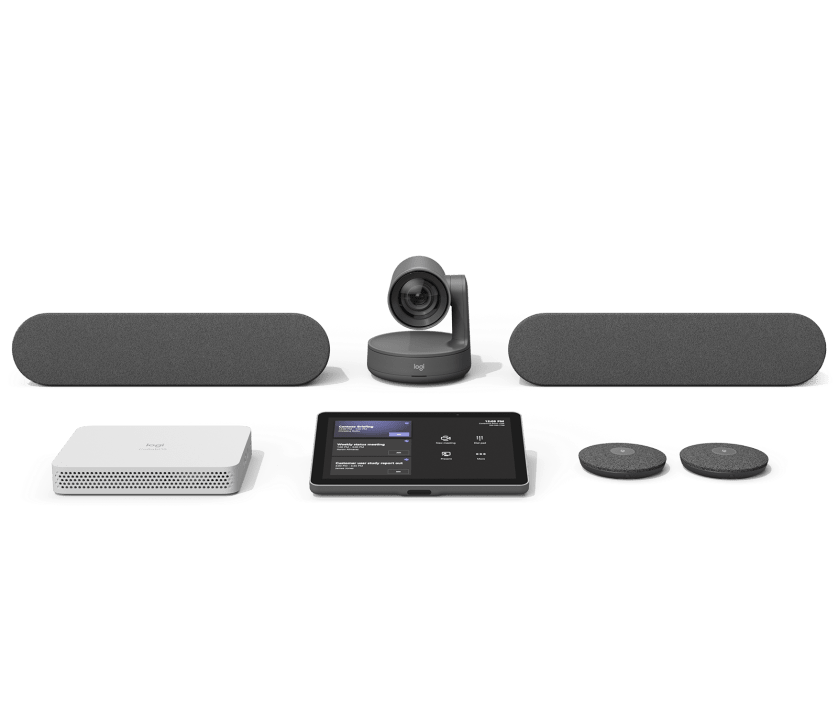
Logitech for Microsoft Teams Rooms on Android
Pre-configured video conferencing systems for small, medium and large rooms, with built-in support for Microsoft Teams.
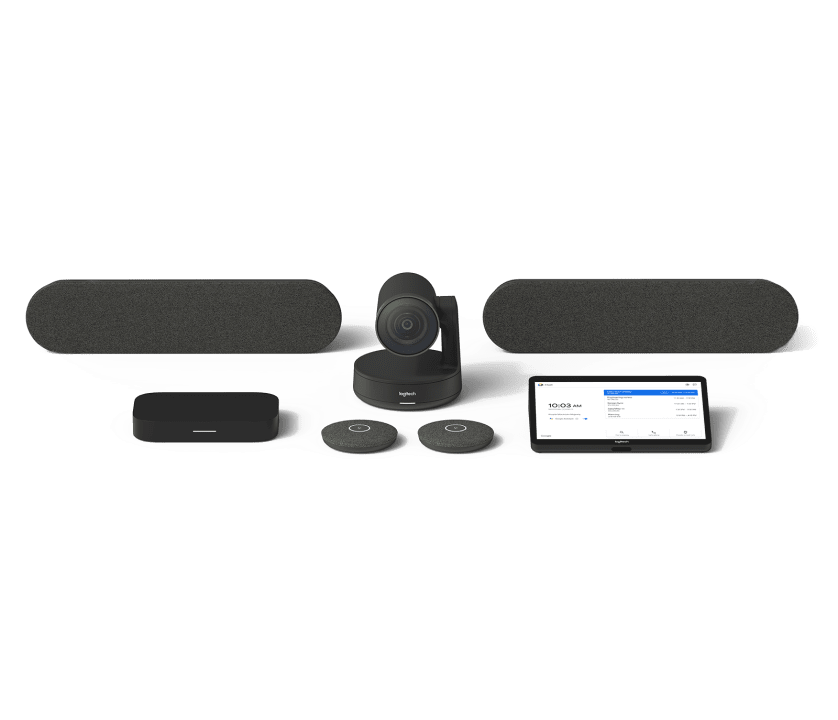
Logitech Room Solutions for Google Meet
Pre-configured systems for small, medium and large rooms.
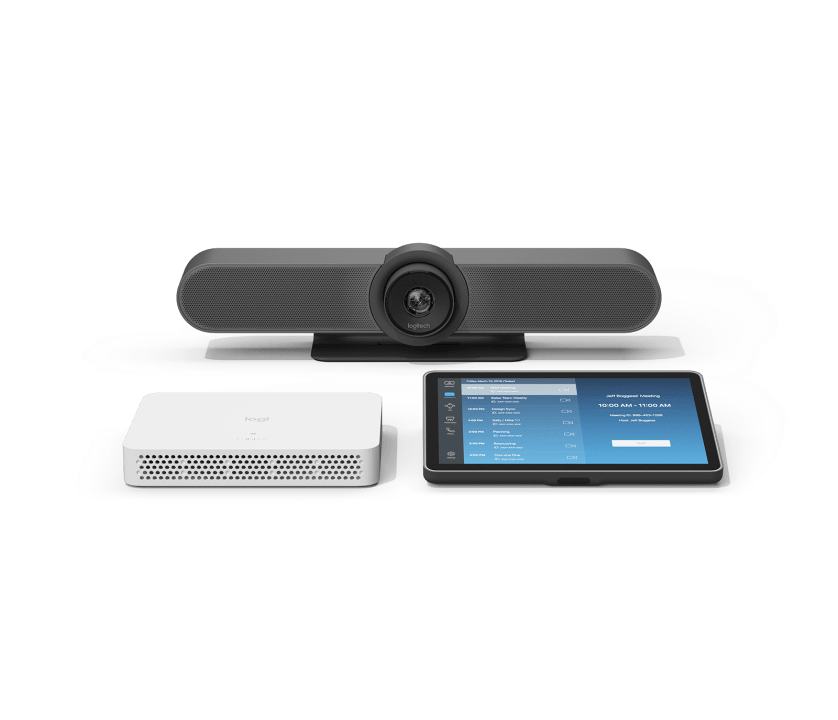
Logitech Room Solutions for PC-based Zoom Rooms
Pre-configured systems for small, medium and large rooms.
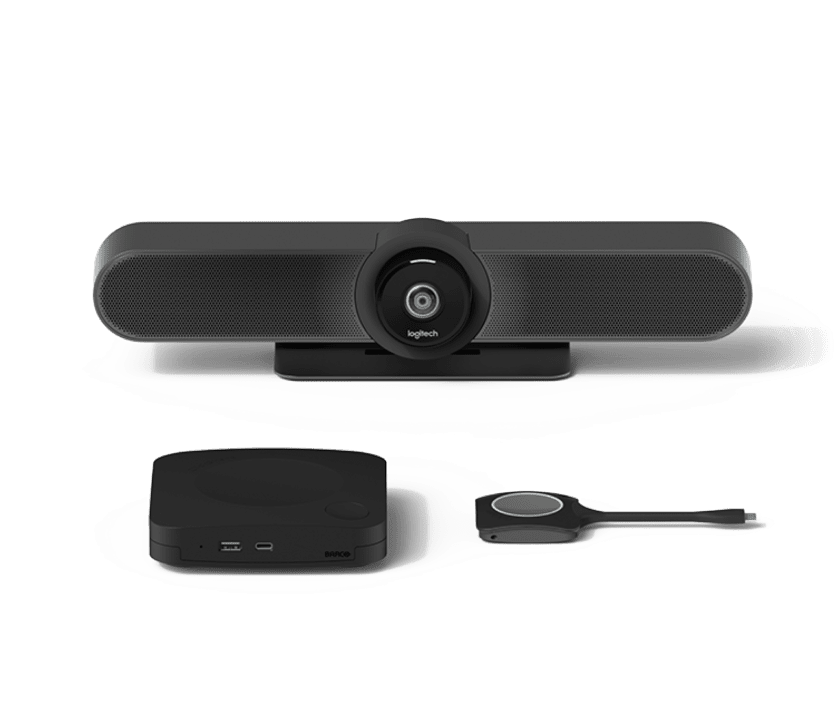
Logitech Room Solutions for Barco ClickShare
Pre-configured systems for small, medium and large rooms.
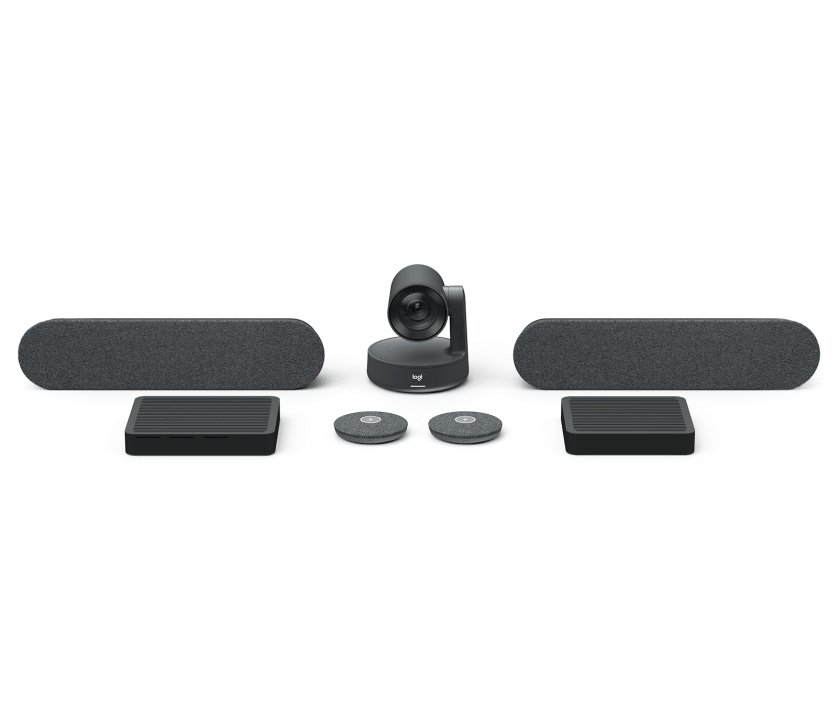
Rally Plus
Premium Ultra-HD ConferenceCam system with automatic camera control.
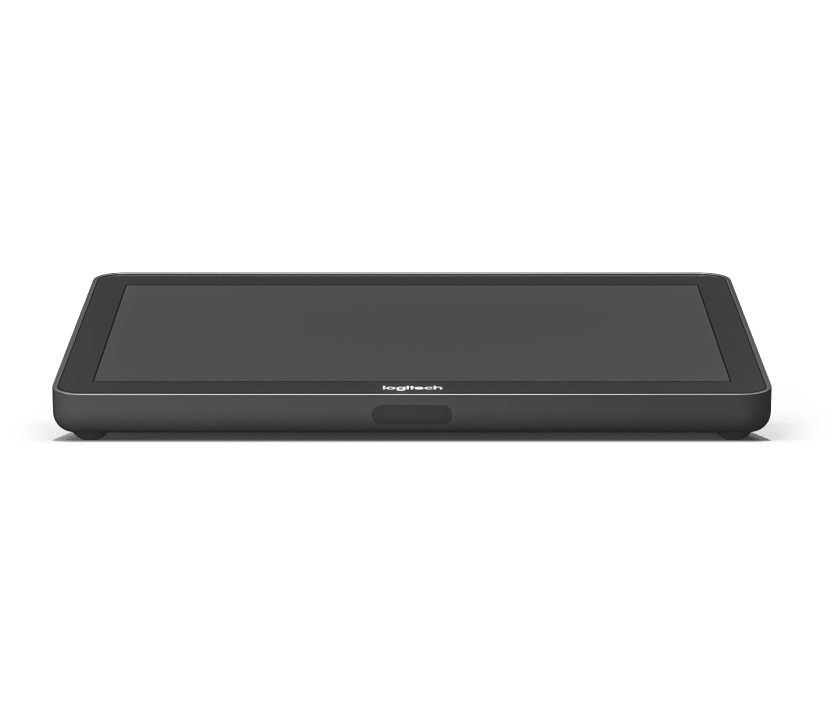
Logitech Tap
Meeting room touch controller for video conferencing services, including Google Meet and Microsoft Teams Rooms on Windows.
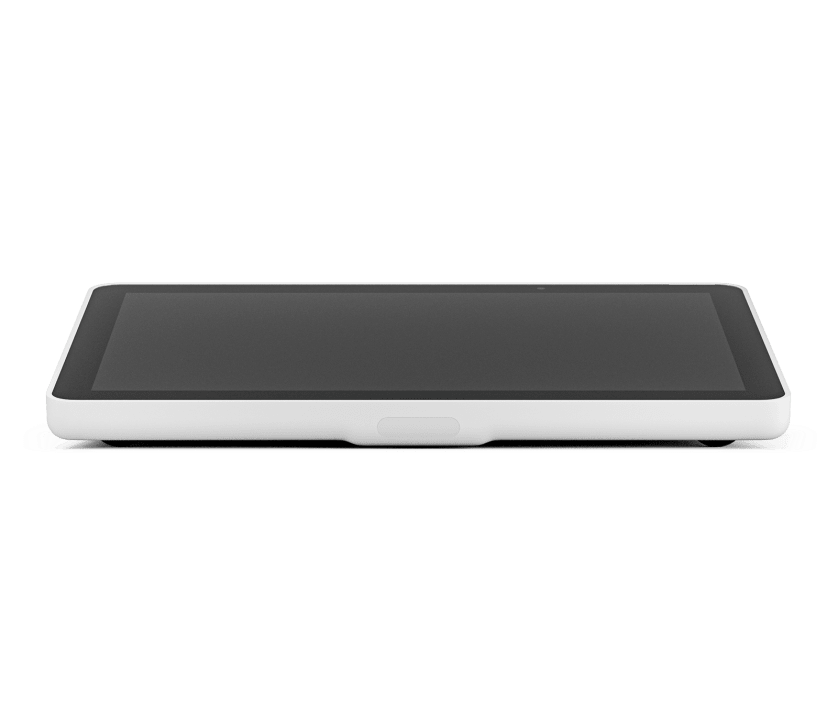
Logitech Tap IP
Touch controller for meeting rooms with PoE connectivity.
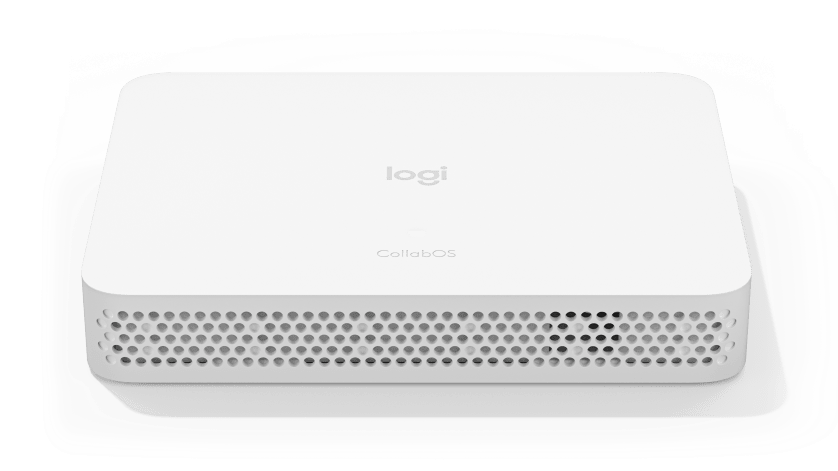
Logitech RoomMate
Computing appliance purpose-built for video collaboration.
Choosing the right Logitech room
Logitech’s video conferencing range is built around room size. We match the kit to how each space is used, then install, configure and support it, so every room is easy to walk into and start a meeting.
Huddle and small rooms
Rally Bar Huddle and MeetUp 2 are all-in-one video bars, with the camera, microphones and speakers in a single device. They suit huddle spaces and small meeting rooms, where a quick set-up and a tidy room matter most.
Medium and large rooms
Rally Bar Mini covers small to medium rooms, while Rally Bar and Rally Bar 2 cover medium to large rooms. Add Rally Mic Pods to extend microphone pick-up to the far end of the table, so everyone is heard clearly.
Boardrooms and large spaces
Rally Plus is a modular system for large and extra-large rooms, with the camera, speakers and microphones placed separately to cover the whole space. Logitech Sight adds a tabletop camera that frames people around the table, so remote participants see faces, not the backs of heads.
Finishing the room. Logitech Tap and Tap IP put meeting controls on one touchscreen, Tap Scheduler shows whether a room is free from outside the door, and Scribe shares a physical whiteboard into the call. For collaboration spaces, Rally Board 65 combines a 65-inch touchscreen and video conferencing in one device. Logitech room solutions are available for Microsoft Teams Rooms, Google Meet and Zoom Rooms.
Logitech video conferencing: frequently asked questions
Which Logitech video conferencing kit is right for our room?
Logitech room kits come in small, medium and large configurations, from huddle spaces to boardrooms. We look at the size of the room, how it’s used and which meeting platform you run, then recommend the right Logitech video conferencing kit and install it.
Does Logitech work with Microsoft Teams, Google Meet and Zoom?
Yes. Logitech offers pre-configured room solutions for Microsoft Teams Rooms, Google Meet and Zoom Rooms, so you can choose the kit that matches the platform your organisation uses. See our Google Meet solutions for Meet rooms.
What is Logitech Tap?
Logitech Tap is a touch controller for the meeting room. People start, join and run meetings from one simple screen on the table, instead of fiddling with a laptop or remote. Tap IP is a version that connects over the network with PoE.
What is Logitech Rally Plus?
Rally Plus is Logitech’s premium Ultra-HD ConferenceCam system, with automatic camera control that keeps everyone in the room in view. It’s designed for larger meeting rooms, where people sit further from the camera.
Do you install and support Logitech rooms?
Yes. We design, supply, install and support Logitech video conferencing rooms as one team, as part of our audio visual services, with support from an Irish team that already knows your set-up.