
Neat Video Conferencing

All-in-one Neat video devices for every space, from a single desk to the boardroom — ready for Microsoft Teams and Zoom, with Google Meet on selected models. Supplied, installed and supported by Tantech.

Which Neat device fits your room?

Neat makes simple, all-in-one video devices that start meetings at a touch and keep everyone seen and heard. Tantech supplies, installs and supports the full range as part of our audio visual services, so you get the right device for each space and one team to call afterwards. Start with the size of the room:

Neat Frame

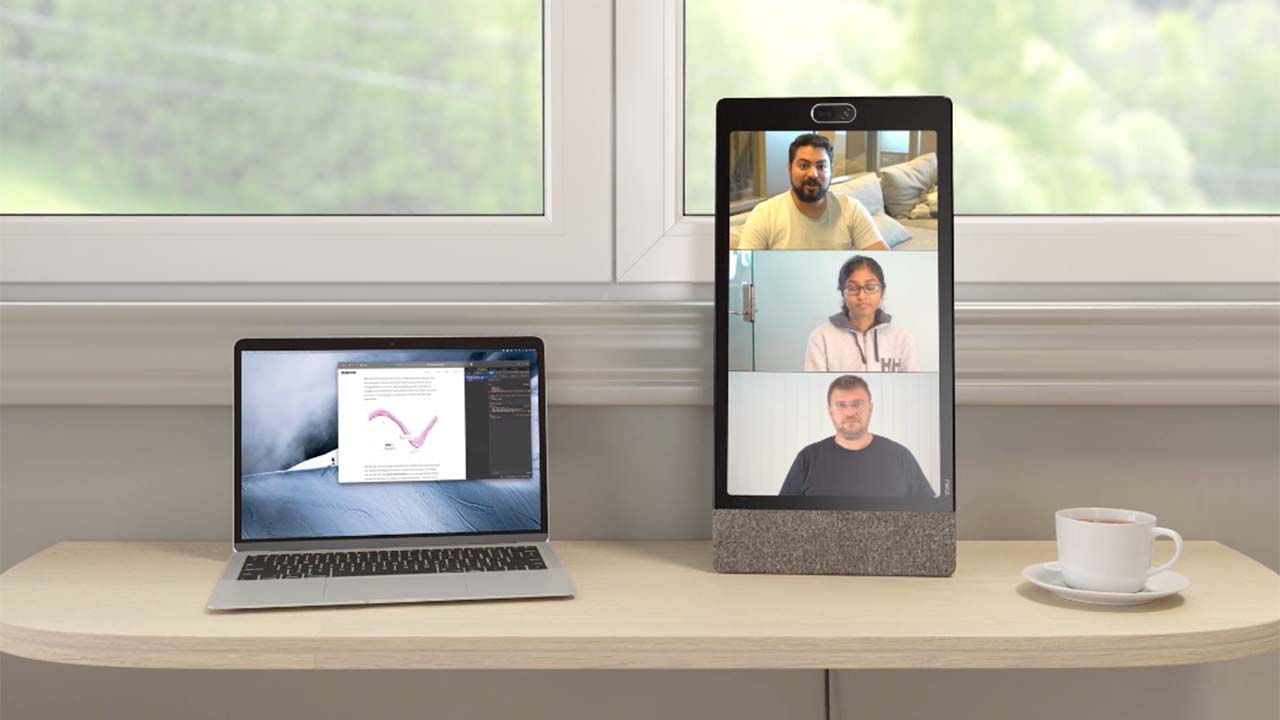
Neat Frame on a desk beside a laptop, showing a video call with three colleagues

A compact, enterprise-grade video device with a portrait touchscreen. Take calls on the Neat Frame and keep your computer free for other work. It suits personal workstations, home offices and focus rooms, and in a lobby or reception area it can act as a virtual receptionist.

  • Screen: 15.6-inch portrait touchscreen, 450 nits.
  • Camera: 113° field of view with 8x zoom and automatic framing.
  • Audio: three-microphone array with Neat audio processing; front-facing tweeter and woofer.
  • Platforms: Microsoft Teams and Zoom.
  • Management: Neat Pulse, for remote set-up and monitoring.

Neat Frame on neat.no →

Neat Board 50

Neat Board 50 on a stand in a workshop, on a video call with two remote colleagues

An all-in-one video collaboration device for small and medium meeting spaces, for up to about ten people. Stand it on a table, mount it on a wall, or put it on the optional adaptive stand to wheel it between rooms and raise or lower the screen. The Neat Active Marker makes whiteboarding feel like writing on paper.

  • Screen: 50-inch 4K multi-touch display with an anti-glare, anti-fingerprint coating.
  • Camera: 50MP camera with a 113° field of view and automatic people framing.
  • Audio: five-microphone array with echo cancellation and noise suppression, plus built-in speakers.
  • Platforms: Microsoft Teams Rooms and Zoom Rooms.
  • Connectivity: USB-C for laptop sharing and charging; HDMI in and out.
Neat Board 50 on neat.no →

Neat Bar Pro

Neat video conferencing: Bar Pro video bar under a display in a meeting room

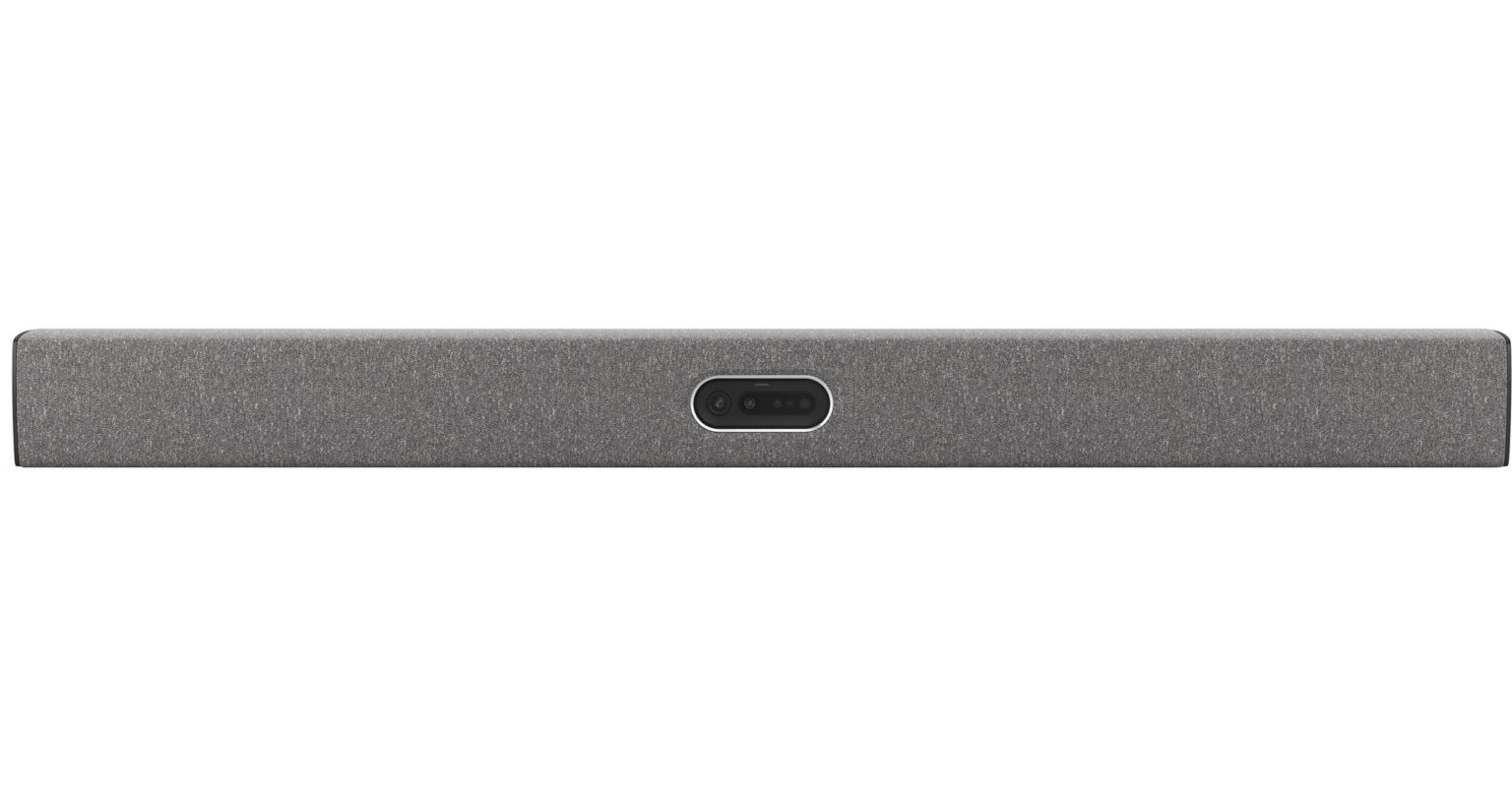
A video bar built for medium and large meeting rooms, with a reach of up to about 10 metres. Two cameras, sixteen microphones and a speaker system with a subwoofer sit in one slim bar under your display, and it can drive up to three screens. Pair it with a Neat Pad to start and run meetings at a touch.

  • Cameras: two 50MP cameras (wide and telephoto), up to 16x hybrid zoom, with automatic people framing.
  • Audio: 16-microphone array plus four tracking microphones; three full-range speakers and a subwoofer.
  • Displays: up to three screens (Google Meet and Microsoft Teams don't yet support three).
  • Platforms: Google Meet, Microsoft Teams Rooms and Zoom Rooms.
  • Control: Neat Pad touch controller.

Neat Bar Pro on neat.no →

Neat Board Pro

An all-in-one video collaboration device for medium to large meeting spaces. A 65-inch multi-touch screen, two cameras, a microphone array and room-filling speakers sit in one elegant unit, so meetings start at a touch and everyone in the room can be seen and heard. Whiteboarding is built in, with the Neat Active Marker and apps such as Miro and Mural.

  • Screen: 65-inch 4K multi-touch display with an anti-glare, anti-fingerprint coating.
  • Cameras: two 50MP cameras (wide and telephoto), up to 16x hybrid zoom, with automatic people framing.
  • Audio: five-microphone array with echo cancellation, noise suppression and dereverberation, plus a full-range speaker system.
  • Platforms: Google Meet, Microsoft Teams Rooms and Zoom Rooms.
  • Mounting: table stand included; wall mount, adaptive mount and mobile adaptive stand available.

Neat Board Pro on neat.no →

Compare the Neat range

FrameBoard 50Bar ProBoard Pro
Best forDesks, home offices, focus rooms, receptionSmall and medium rooms, up to about 10 peopleMedium to large roomsMedium to large rooms
TypePersonal touchscreenAll-in-one touchscreenVideo bar for your displayAll-in-one touchscreen
Screen15.6-inch portrait50-inch 4K touchYour display (up to three)65-inch 4K touch
Cameras113° view, 8x zoom50MP, 113° viewDual 50MP, 16x hybrid zoomDual 50MP, 16x hybrid zoom
MicrophonesThree-mic arrayFive-mic array16-mic array plus 4 tracking micsFive-mic array
Whiteboarding—Yes, Active Marker—Yes, Active Marker
PlatformsTeams, ZoomTeams Rooms, Zoom RoomsGoogle Meet, Teams Rooms, Zoom RoomsGoogle Meet, Teams Rooms, Zoom Rooms

Also available

We can also supply the rest of the Neat range. Ask us about:

  • Board 32 — a compact all-in-one touchscreen for desks and small rooms.
  • Bar Generation 2 — a video bar for everyday meeting rooms, easy to set up and manage.
  • Bar BYOD — a video bar for rooms where people start meetings from their own laptop.
  • Pad (Generation 2 and Pad Pro) — touch controllers for running meetings and booking rooms.
  • Center — a companion device that helps people be seen and heard in medium to large rooms.

Neat video conferencing: frequently asked questions

It depends mainly on the size of the space. Frame suits desks, home offices and reception areas; Board 50 suits small and medium rooms of up to about ten people; Bar Pro and Board Pro suit medium to large rooms, with Board Pro adding a 65-inch touchscreen for whiteboarding. We’ll recommend the right device for each room.

Yes, depending on the model. Bar Pro and Board Pro run Google Meet, Microsoft Teams Rooms and Zoom Rooms. Board 50 runs Microsoft Teams Rooms and Zoom Rooms, and Frame runs Microsoft Teams and Zoom. Platform licences are bought separately, and we can supply them with the hardware.

Yes. Through Neat’s Product Evaluation Program you can request a free 30-day trial, so you can test a device in your own room before you commit.

Yes. We design, supply, install and support Neat meeting rooms as one team, as part of our audio visual services. After installation, our Irish support team looks after the rooms, so problems are dealt with by people who already know your set-up.

Yes. Neat Pulse, the online management platform, lets IT teams set up, monitor and update devices from anywhere, so rooms stay ready without a site visit.

Tell us what you need — we'll find the solution

Want to try a Neat device in your own room first? Ask us about a free 30-day trial through Neat’s Product Evaluation Program.