
Chromebooks
Fast, simple and secure devices for your team, supplied, enrolled and managed by Tantech, with Google's Chrome Competency.
Chromebooks for business give your people fast, simple and secure devices that work with the Google tools they already use.
18 hours
per employee per year in reduced downtime1
90%
reduced incremental security risk1
$500
lower cost per device over three years1
Zero
reported ransomware attacks on ChromeOS*
Why choose Chromebooks for business and education
ChromeOS is Google’s cloud-first operating system, which makes Chromebooks for business and education simple to deploy, manage and use alongside Google Workspace.
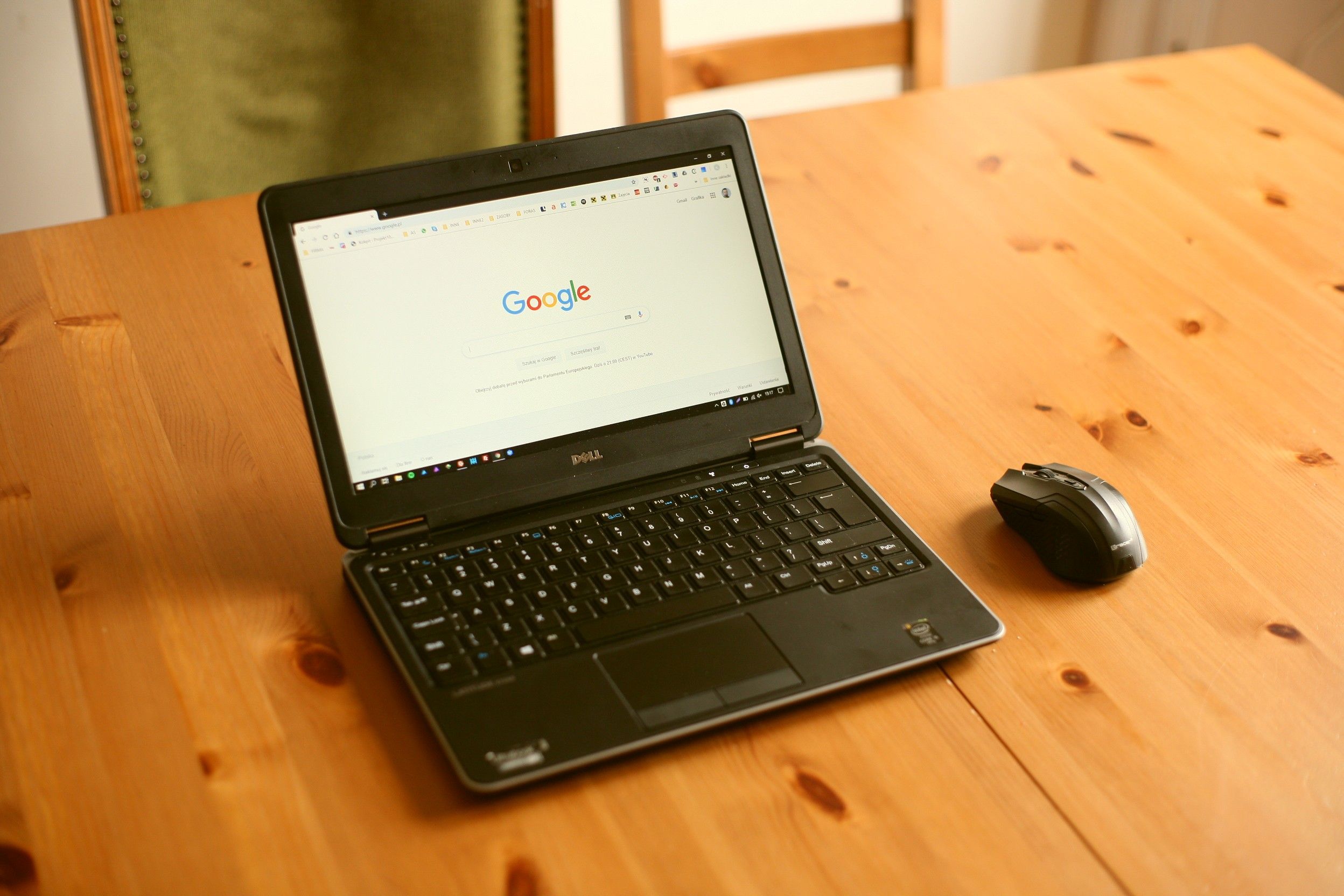
Fast and simple
Chromebooks start in seconds and are easy for anyone to pick up.
Safe and secure
Automatic updates and built-in security keep devices and data protected.

Made to share
Staff can switch accounts safely, so one Chromebook can serve several people.
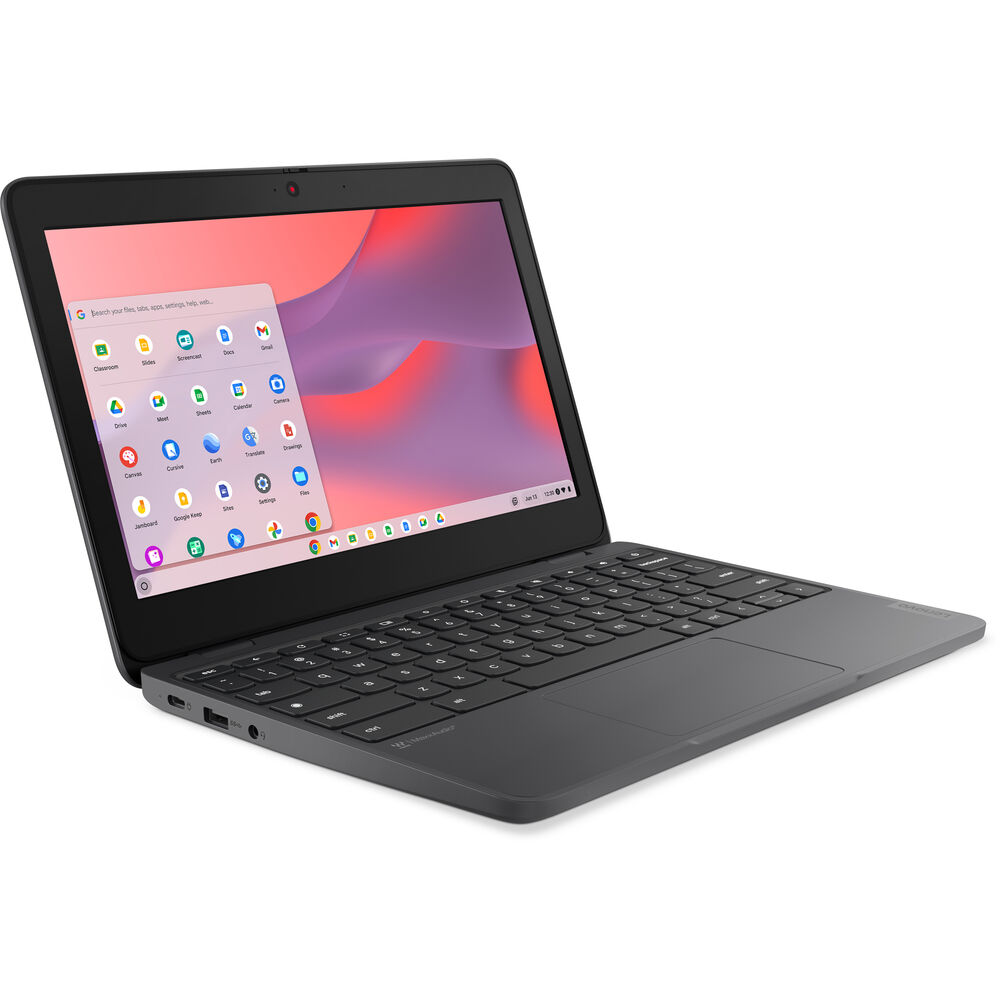
Built for collaboration
Google Workspace apps such as Gmail, Meet, Docs and Sheets keep your team working together.
Manage every Chromebook from one place
Every Chromebook from Tantech arrives with ChromeOS Enterprise Upgrade, ready to manage from the Google Admin console. We set up policies, apps and user groups around how your organisation works, and look after them once your team is up and running.
With ChromeOS Enterprise Upgrade, you can:
- Zero-touch enrollment: ship devices straight to staff, ready to sign in and pick up their policies, settings and apps
- Advanced security: remotely disable lost or stolen devices, keep them enrolled after a factory reset, and block sign-ins from unauthorised accounts
- Updates at your pace: roll out updates gradually or automatically, with the option of a long-term support channel
- Granular controls: 600+ policies for Wi-Fi, printers, apps and certificates, plus single sign-on
- Shared devices: managed guest sessions that wipe user data at the end of each session
- Reporting and insights: see active devices, OS versions and update compliance, and export reports to Google Sheets
Every licence includes 24/7 support from Google.
Kiosks and digital signage
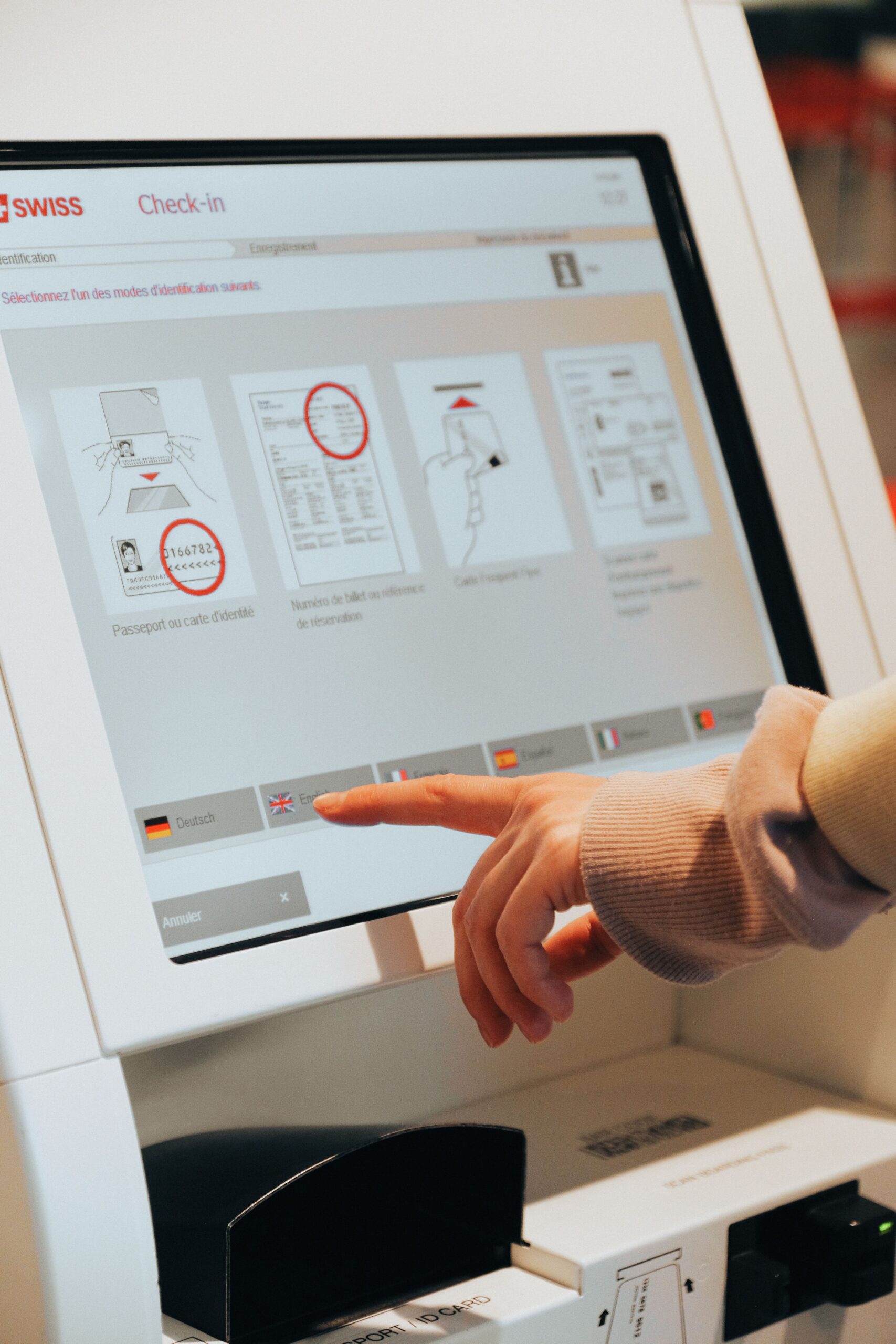
ChromeOS devices make reliable kiosks and screens that you manage remotely from the Google Admin console. We supply and set up Chromeboxes and Chromebooks, or convert the PCs you already have with ChromeOS Flex, licensed with Kiosk & Signage Upgrade. For screens, displays and installation, see our Audio Visual services.
Digital signage
Menus, dashboards, schedules and company news
Customer kiosks
Check-in, ticketing, ordering and catalogues
Employee kiosks
Clock-in, room booking and equipment access
Interactive kiosks
Wayfinding, information points and retail demos
Chromebooks for business: frequently asked questions
Why choose Chromebooks for business?
Chromebooks start quickly, update automatically and keep data protected with built-in security, so they’re simple to run across a team. They work with Google Workspace and other web apps, and staff can share devices safely. Tantech supplies Chromebooks for business and education, enrolled and ready to hand out.
What is ChromeOS Enterprise Upgrade?
ChromeOS Enterprise Upgrade is Google’s licence for managing Chromebooks in an organisation. It lets you enrol devices, apply policies, control apps and disable lost or stolen devices, all from the Google Admin console. Every licence includes 24/7 support from Google. Chromebooks from Tantech arrive with ChromeOS Enterprise Upgrade applied and enrolment configured.
Can Chromebooks run Microsoft 365?
Yes. Microsoft 365 apps such as Outlook, Word, Excel and Teams run in the browser on a Chromebook, so teams that use Microsoft 365 can still work on ChromeOS. Many organisations pair Chromebooks with Google Workspace for the simplest set-up.
Can you convert our existing PCs to ChromeOS?
Yes. ChromeOS Flex can turn suitable existing PCs and Macs into ChromeOS devices, managed alongside your Chromebooks from the Google Admin console. It’s a practical way to extend the life of older hardware. We can check which of your devices are suitable and convert them for you.
Can Chromebooks be used as kiosks or digital signage?
Yes. With the Kiosk & Signage Upgrade, Chromeboxes and Chromebooks can run a single app or web page as a self-service kiosk, check-in point or digital sign, managed remotely from the Google Admin console. We supply and set up the devices, and our Audio Visual team can supply the screens.
Tell us how your team works and we'll recommend the right Chromebooks and set-up.
1 The Total Economic Impact™ Of Google ChromeOS, Forrester Research, Inc., September 2025.
* As of 2026 there has been no evidence of any documented, successful virus attack or ransomware attack on ChromeOS. Data based on ChromeOS monitoring of various national and internal databases.